 Pixelkin
Roblox gamepass and badge icons that match
VIP, 2× coins, extra inventory, speed boost: list the passes and get 512×512 icons that match, with the subject kept inside Roblox's circular crop.

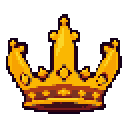
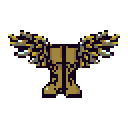
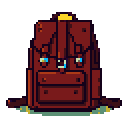
Roblox limits pass and badge icons to 512×512 and shows them as circles, trimming anything in the corners. The preset centres each subject and leaves a margin, so nothing important is lost to the crop. I would not promise sales numbers, but a shop page where five passes clearly belong together looks a lot more like a real game than five icons from five sources.
Writing the passes
Describe the object that stands for the pass, not the pass: gold crown for VIP, two gold coins for 2× coins, winged boots for speed, leather backpack for inventory space, blue shield for a protection pass. Avoid text; Roblox shows the name under the icon anyway.
Drafts are AI-generated and labelled in the PNG metadata.
Questions people ask
What size is a Roblox gamepass icon?
Up to 512×512, displayed as a circle. Keep important details inside the circular area.
What size is a Roblox badge icon?
512×512, also cropped to a circle on upload.
Do developer product icons use the same size?
Yes, 512×512 works for developer products too.